How to Buy Game SpiritVale Vail on Steam
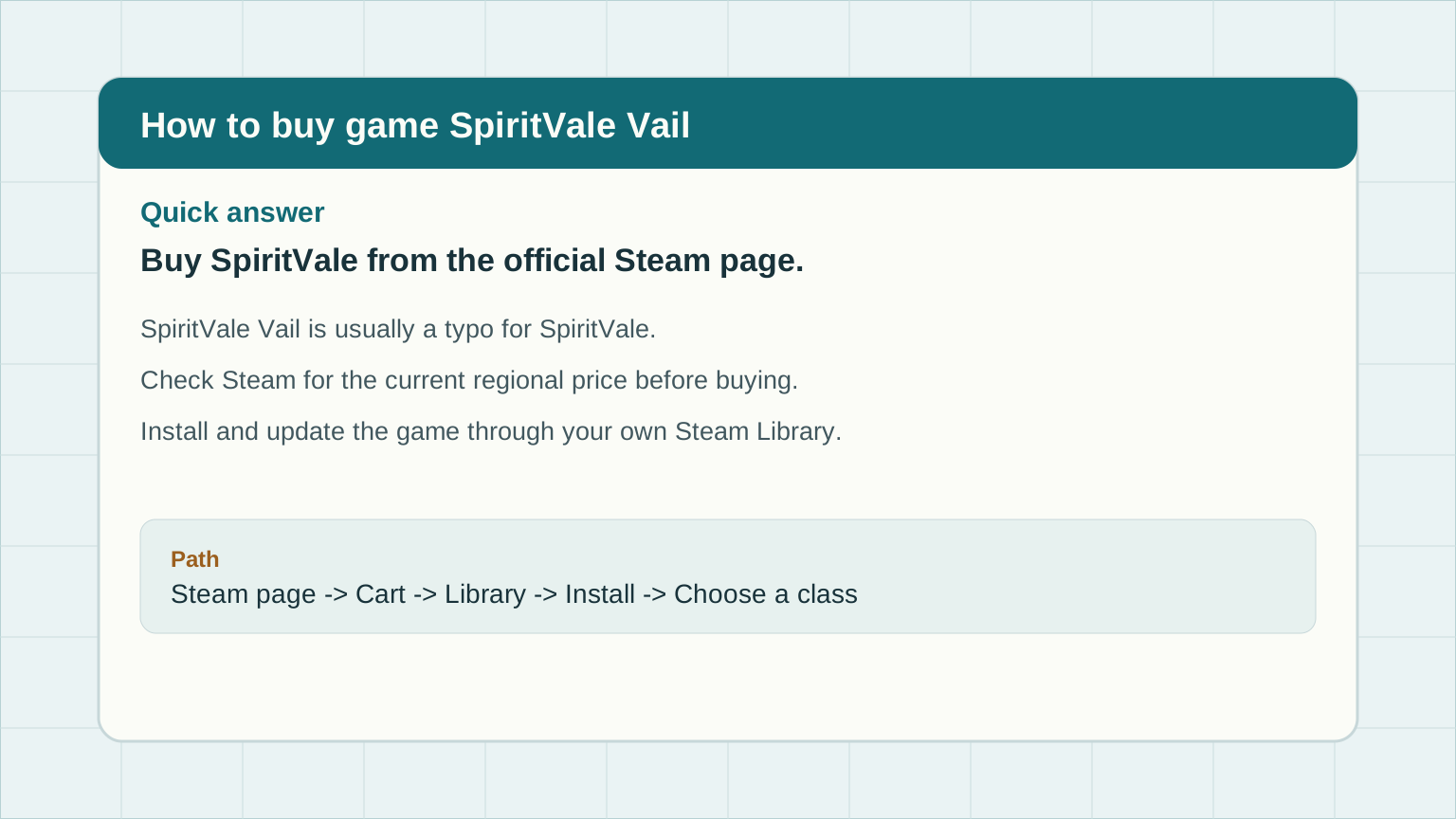
Use the official Steam product page rather than third-party account listings. Steam shows the current regional price, supported languages, release status, reviews, system requirements, and the install button after purchase.
| Step | What to do | Why it matters |
|---|---|---|
| 1 | Open the official SpiritVale Steam page. | This avoids unofficial account resale pages and shows the current regional price. |
| 2 | Sign in to Steam and check the price in your currency. | SpiritVale pricing can vary by region, sale, and tax rules. |
| 3 | Buy SpiritVale or add it to your cart. | After purchase, Steam adds the game to your library. |
| 4 | Install from your Steam Library. | Steam handles download, updates, and launch options. |